Features
Everything the job needs. Nothing you have to babysit.
Scheduling, quotes, invoices and payments, same as everyone else. Then the parts most of them leave to you: an assistant that does the clicking, a closeout nobody can skip, and a native field app with a limited queue for select actions today.
The assistant
Tell it what you need. It does the clicking.
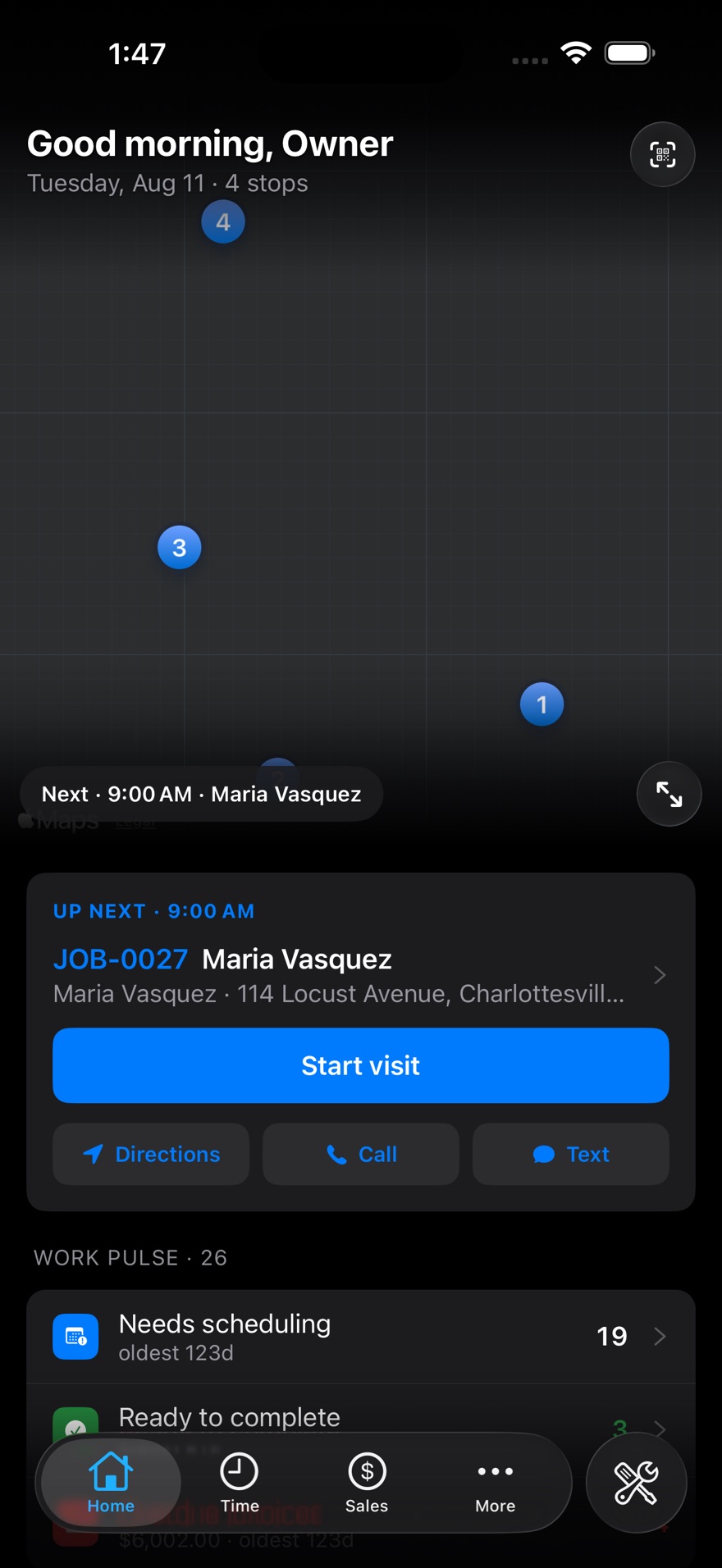
Ask in plain English and it works inside your account, on your own customers and your own prices, so what comes back is a real job, a real quote, a real answer. Typing works on any plan; speaking to it starts on Professional.
- It books and reschedules
- Put a job on the calendar, move a visit, check who's actually free before you promise a time.
- It builds the quote
- Add lines off your own price list, then turn the approved quote into a job without retyping it.
- It answers the money questions
- Who's overdue, what a job earned, what's still unbilled, which quotes are about to expire.
- It knows the history
- What you charged last time, every visit to that unit, which warranties are about to run out.
Book Maria Vasquez for a water heater swap Thursday at 9.
Done — JOB-0027, Thursday 9:00 AM at 114 Locust Ave. Devon's the only one open that morning, so he's on it.
What did we charge her last time?
$1,284 in March 2024 — 50-gallon heater and three hours labour.
Closeout
Nothing comes back half-finished.
The paperwork gap is where field service companies lose money — hours that never got logged, a signature nobody took, parts that never made it onto the invoice. You decide what a visit needs, and the app holds the line.
- You pick what's required
- Hours, a note about what was done, a check of the parts and costs, the customer's signature, the task list.
- Required, reminder, or off
- Make a step a hard stop, a nudge the tech can pass, or switch it off entirely. Your call, per step.
- Set once, bend per job
- One policy for the company, overridden on a job type or a single job when that one is different.
- Waved through, on the record
- A manager can let a step go — with a reason saved against the visit, so you find out why later.
BEFORE THIS VISIT CAN CLOSE
- Hours loggedDone
- What you didDone
- Parts & costs checkedDone
- Customer signatureStill needed
Jobs & dispatch
The board runs the day.
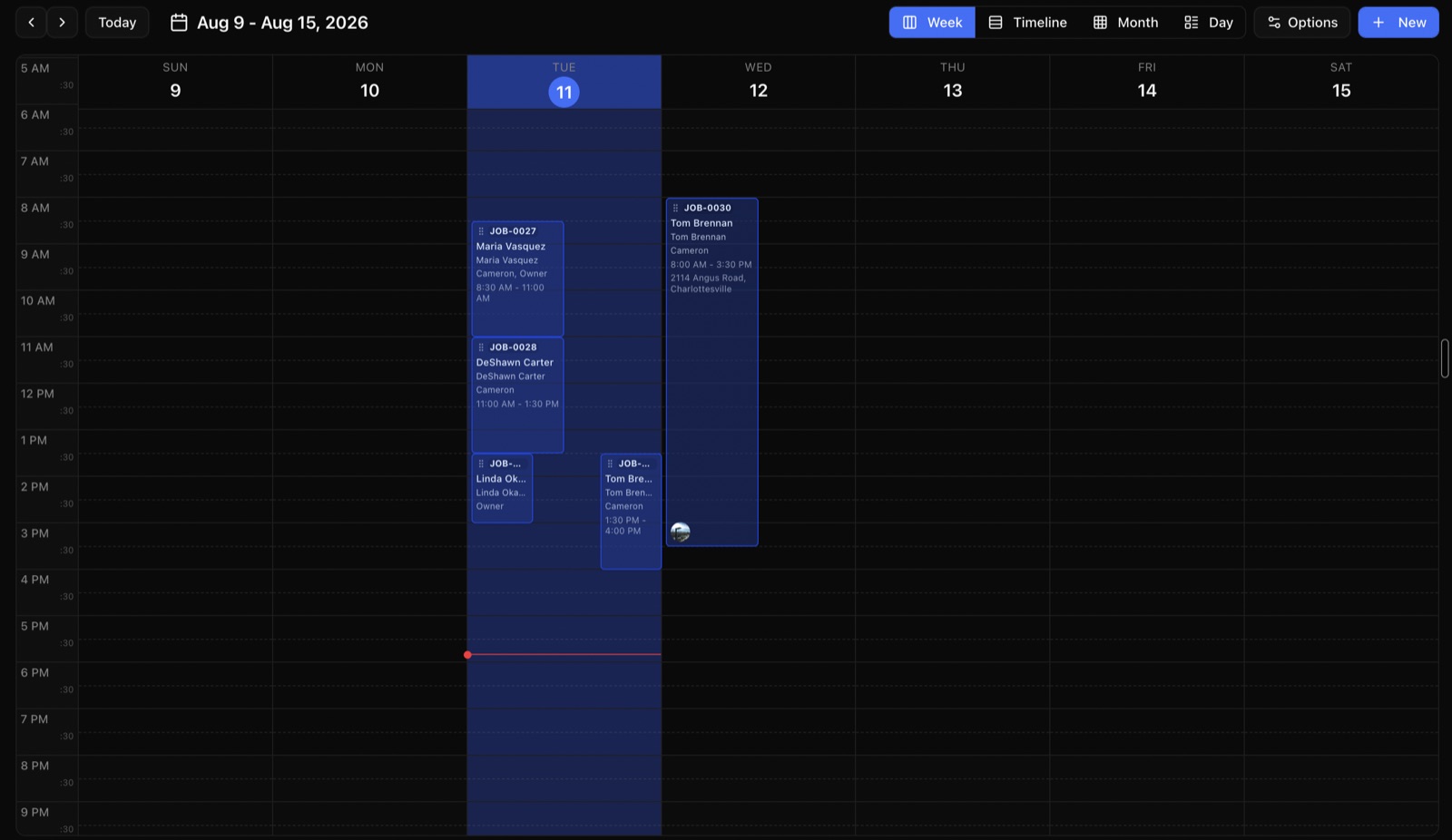
Build the schedule by dragging. ZippCrew flags a double-book before you save it, and the tech's phone updates the second you move something.
- Drag-and-drop calendar
- Day, week and timeline views with time windows, and a warning if you double-book somebody.
- Your own statuses
- Name the stages your shop actually uses and set which ones can follow which.
- Recurring work
- Maintenance agreements and repeat visits on any pattern you like.
- Checklists per job type
- Reusable task templates so the same install gets done the same way every time.
Mobile app
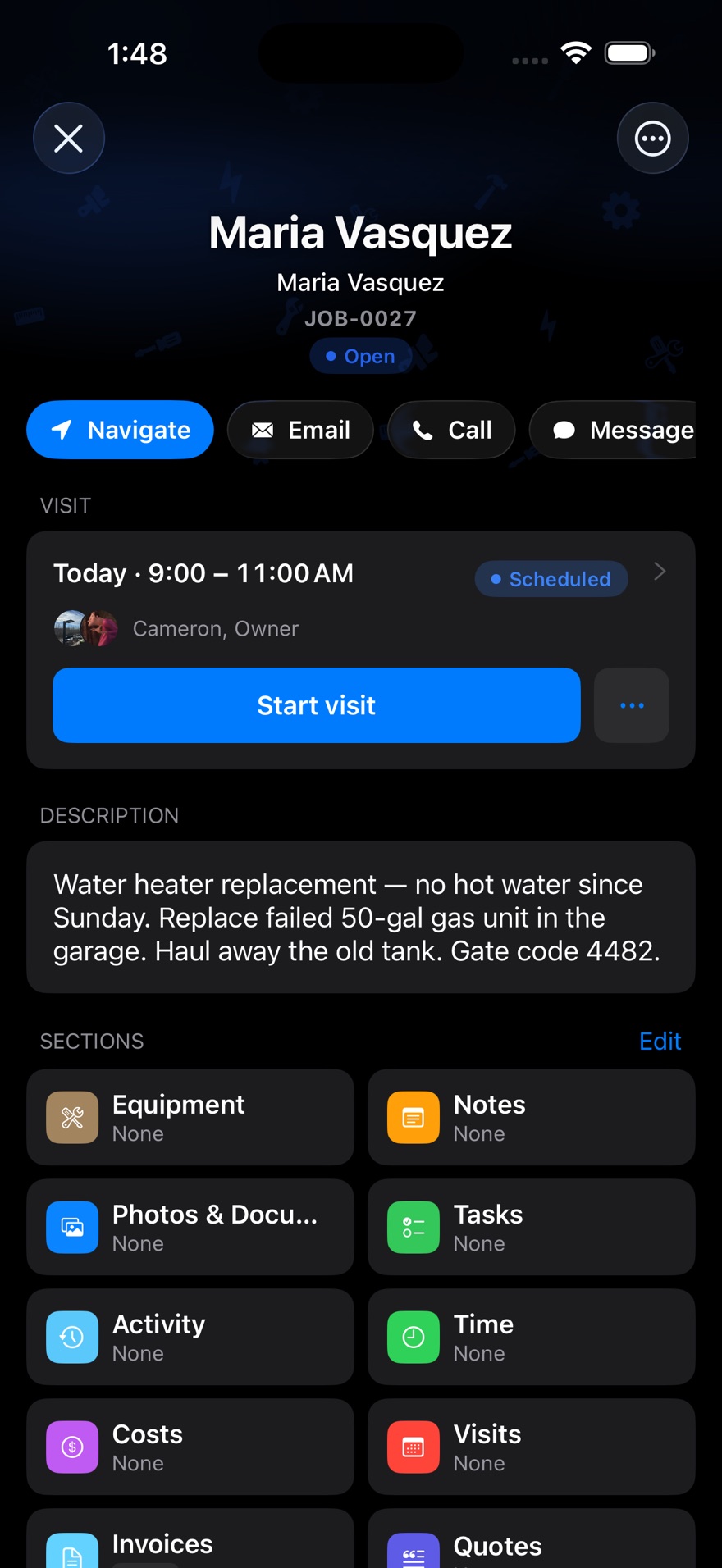
Built for cold hands in the field.
A real iPhone and Android app, not a website squeezed onto a phone. Big buttons, a dark screen that doesn't blind you in a crawlspace, and a limited queue for select field actions today.
- Honest offline limits
- Uncached job details, photos and checklists still need a connection today. Broader offline support is in development.
- Clock in and out on site
- The location is stamped on the punch, so hours match where the work happened.
- Scan the nameplate
- Point the camera at the plate and the model and serial fill themselves in.
- On-my-way texts
- One tap tells the customer you're coming, from the company number.
Quotes & invoices
Priced at the truck. Signed at the door.
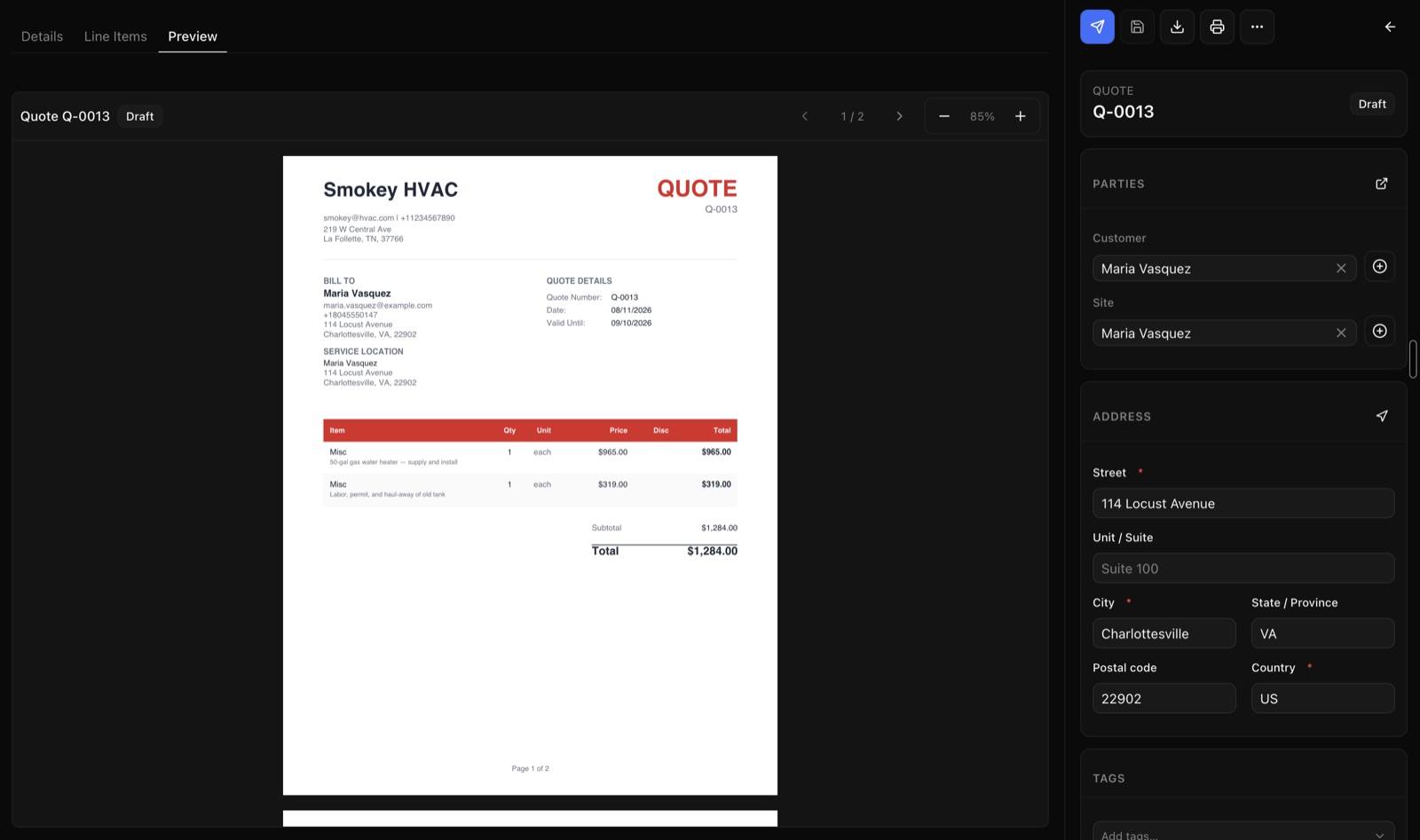
Build the quote on site from your own price list, take a signature on the screen, and turn the approved quote into a job and an invoice without retyping a line.
- Your branding on PDFs
- Your logo, your colours, your terms — put on automatically.
- Versions and signatures
- Revise a quote without losing the old one, and capture approval that holds up.
- Price lists per customer
- Different pricing for retail, bid and regular customers, applied automatically.
- Reminders, late fees, early-pay discounts
- Chase the money without picking up the phone.
Customers
One record, every visit, every unit.
Customers can have as many addresses and contacts as they need. Pull up an address and you see the history, the equipment on site, and what you charged last time.
- Addresses and contacts
- A property manager with forty buildings works the same as a homeowner with one.
- Customer portal
- They approve quotes, watch job status and pay invoices without calling you.
- What you charged last time
- Past jobs, quotes and invoices for that address, without digging for them.
- Tags and filters
- Slice your book however you actually think about it.
Crew chat
Stop running the company out of a group text.
Channels for the office, the shop and the field, plus direct messages — inside the same app the work lives in. Drop a job, quote or invoice into a message and everyone can open the real thing.
- Channels you set up
- One per crew, per branch, per big project — whatever matches how you actually talk.
- Who sees what
- Keep a channel to the managers, or let the field read it without posting.
- Link the actual job
- Mention a job, quote, invoice or customer and it becomes a link everyone can tap through.
- It stays when they go
- When somebody quits, the history stays with the company — not on a phone you can't get to.
Anyone got a 50-gal in their truck?
Two on mine — heading your way. Sending you Job #1042.
Perfect, saves me a trip to the supply house.
Equipment
The unit remembers, even when nobody else does.
Every furnace, panel, opener and pump gets its own record at the address it lives at — so the tech who's never been there knows what happened last time and who did it.
- Scan the nameplate
- Point the camera at the plate and the make, model and serial fill themselves in.
- Every visit on the unit
- Service history attached to the machine, not scattered through old job notes.
- Warranties before they lapse
- See what's about to run out while you can still do something about it.
- Maintenance that's due
- What's coming up across your whole book, so the slow week fills itself.
Money & back office
The parts that decide whether you made money.
Time, parts, purchase orders and payouts all land in the same place, so working out what a job actually earned isn't a spreadsheet exercise at the end of the month.
- Timesheets and overtime
- Daily approval before payroll, with overtime worked out automatically.
- Inventory and purchase orders
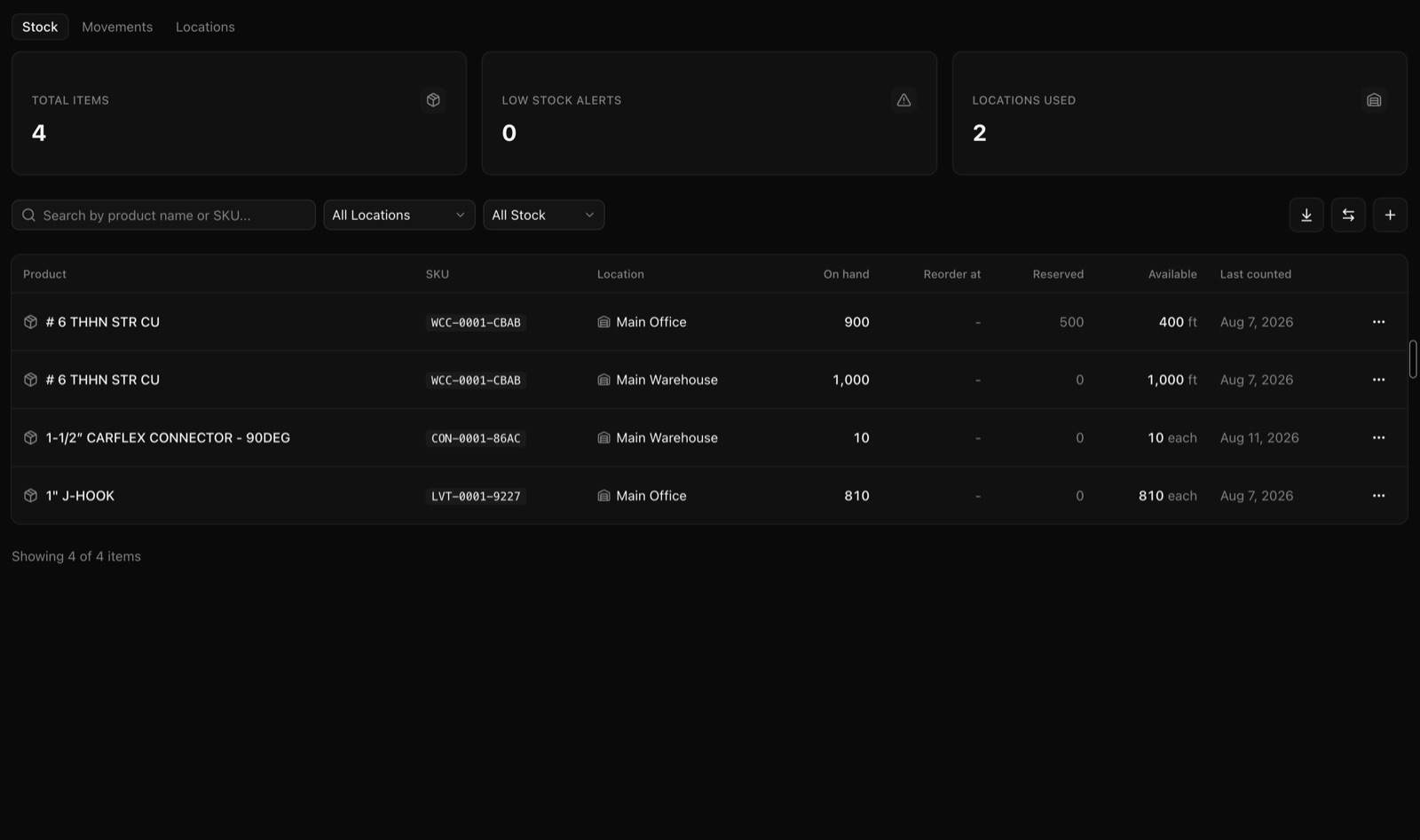
- Warehouse and truck stock, reorder points, and orders received back into stock.
- Reports you build
- Make the view you need, filter it, and download it as a spreadsheet or a PDF.
- Who can see what
- Decide who sees prices and costs — and keep a record of who changed what.
See it with your own jobs in it.
Fourteen days on the full Professional plan. No card, no call with a salesperson.
Start your free trial